MSPs are under pressure to deliver seamless IT support, airtight security, and operational efficiency. MSP software is key to their success, allowing them to remotely monitor systems, automate repetitive tasks, manage incidents, secure endpoints, and ensure client satisfaction. In this article, we’ll take you through how to choose an MSP software provider, including features to look for and an evaluation of the top 5 vendors. No matter your size and software adoption maturity, this article can help you optimize operations and scale more efficiently.
Managed Service Provider (MSP) software refers to a suite of applications that helps MSPs manage and monitor the IT infrastructure of their clients. Many companies outsource their IT functions to service providers, who can use this software to streamline and automate the management of IT services.
MSP software can cover a wide range of services, including network administration, system management, data backup, and cybersecurity. Using this software, MSPs can eliminate the need for a large internal IT department, allowing them to remotely manage many IT services on behalf of their clients.
This is part of a series of articles about MSSP security
RMM software allows MSPs to monitor and manage their clients’ IT infrastructure remotely, making it easier to detect and address issues before they escalate into major problems. With RMM, you can automate routine tasks, such as patch management and system updates.
RMM software also provides valuable insights into your clients’ IT environment, such as hardware and software inventory, performance metrics, and security vulnerabilities. This information is useful for making informed decisions and providing proactive support to your clients.
ITSM software facilitates the delivery and management of IT services, with a focus on aligning IT processes with business objectives.
With ITSM software, you can streamline workflows, automate repetitive tasks, and ensure consistent service delivery. It also provides a centralized system for managing IT assets, tracking service requests, and measuring performance metrics.
ITSM software also supports various IT service management frameworks, such as ITIL and COBIT, helping you adopt best practices and improve your service quality.
Threat detection and response software serves as a critical component in the MSP software suite, providing the necessary tools to identify, assess, and neutralize security threats in real time. This type of software utilizes a combination of technologies such as anomaly detection, behavioral analysis, and endpoint protection, to monitor network traffic and devices for unusual patterns that may indicate a security threat. By doing so, MSPs can swiftly respond to potential threats before they cause significant damage.
Advanced TDR solutions can automatically initiate actions based on the severity and type of threat detected. This can include isolating affected systems, blocking suspicious network traffic, or notifying system administrators for further investigation. Additionally, these tools often come with incident logging and reporting features, which help in creating detailed security incident reports necessary for forensic analysis and compliance purposes.
When an IT incident occurs, such as a system outage or a security breach, it’s crucial to respond quickly and effectively to minimize the impact on your clients’ business. Incident response software helps you manage the entire incident response lifecycle, from detection and investigation to containment, eradication, and recovery. It provides a centralized platform for tracking incidents, assigning tasks, and documenting actions taken.
Advanced incident response software can automate many aspects of the incident response process, including automatically responding to certain types of incidents based on predefined playbooks, which improve efficiency and reduce time to response.
Ransomware protection software is essential for MSPs to safeguard their clients against ransomware attacks, which are a prevalent and destructive form of cybercrime. This software utilizes advanced detection algorithms to identify and block ransomware threats before they can encrypt client data.
It typically includes real-time monitoring, threat detection, and automated response capabilities to neutralize ransomware attacks swiftly. Additionally, good ransomware protection software often provides data backup and recovery options, ensuring that in the event of an attack, critical client data can be restored with minimal disruption. Integrating ransomware protection into your MSP software stack enhances your cybersecurity offerings, making your services more comprehensive and appealing to potential clients concerned about data security.
Operating an MSP service involves juggling multiple tasks, such as project management, resource allocation, billing, and customer relationship management. PSA software provides a unified platform for managing all aspects of your business operations. It helps you plan and track projects, manage resources, automate billing, and maintain customer relationships.
PSA software can integrate with other tools in your MSP software stack, such as RMM and ITSM software, providing a seamless experience and improving your operational efficiency.
PRM tools are designed to help you manage your relationships with your partners. PRM software provides a centralized platform for managing all partner-related activities, such as recruitment, onboarding, training, and performance management. It also facilitates communication and collaboration between you and your partners, fostering a stronger relationship and driving mutual success.
Related content: Read our guide to MSSP vs MSP
When evaluating MSP software, ask vendors about the following capabilities:
Cynet is a comprehensive cybersecurity platform for service providers. It streamlines cybersecurity by combining multiple critical security functionalities into a single, multitenant platform. This integration enables Cynet to offer endpoint, user, network, and SaaS security features that would typically require multiple products to achieve.
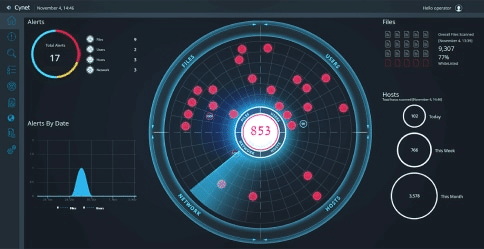
The platform features advanced capabilities such as Next-Generation Antivirus (NGAV), Endpoint Detection and Response (EDR), Extended Detection and Response (XDR), User Behavior Analytics (UBA), network analytics, deception technology, and Software-as-a-Service (SaaS) Security Posture Management (SSPM). These tools work together to detect and eliminate hidden threats. Cynet’s platform also includes automated incident resolution capabilities. It utilizes customizable playbooks and a range of remediation actions, enabling threats to be automatically resolved without manual intervention.
Additionally, Cynet supports its platform with the CyOps Managed Detection and Response (MDR) team. This team provides 24/7 monitoring of customer environments to quickly address any suspicious activity and respond to inquiries from both service providers and their clients. The multitenant nature of the platform makes it especially suitable for Managed Service Providers (MSPs) and Managed Security Service Providers (MSSPs), making it easy to manage services across multiple clients.
Pros:
Cons:
Cynet offers organizations two main types of packages:
Both packages include platform management, advanced EPP, EDR, UBA, NDR, Response Orchestration, and Deception. The Elite package includes optional MDT, SSPM and CSPM, log management and open XDR, and MDR services.
The enterprise package includes everything in the elite package, including all optional services, as well as ESPM and email security.
Pricing can be received upon contacting the vendor.
NinjaOne, previously known as NinjaRMM, is a software company specializing in unified IT operations management. Its platform is designed for managed service providers and IT professionals. It offers a range of features including remote monitoring and management (RMM), patch management, endpoint management, endpoint security, backup, SaaS backup, remote control, MDM, and IT documentation.
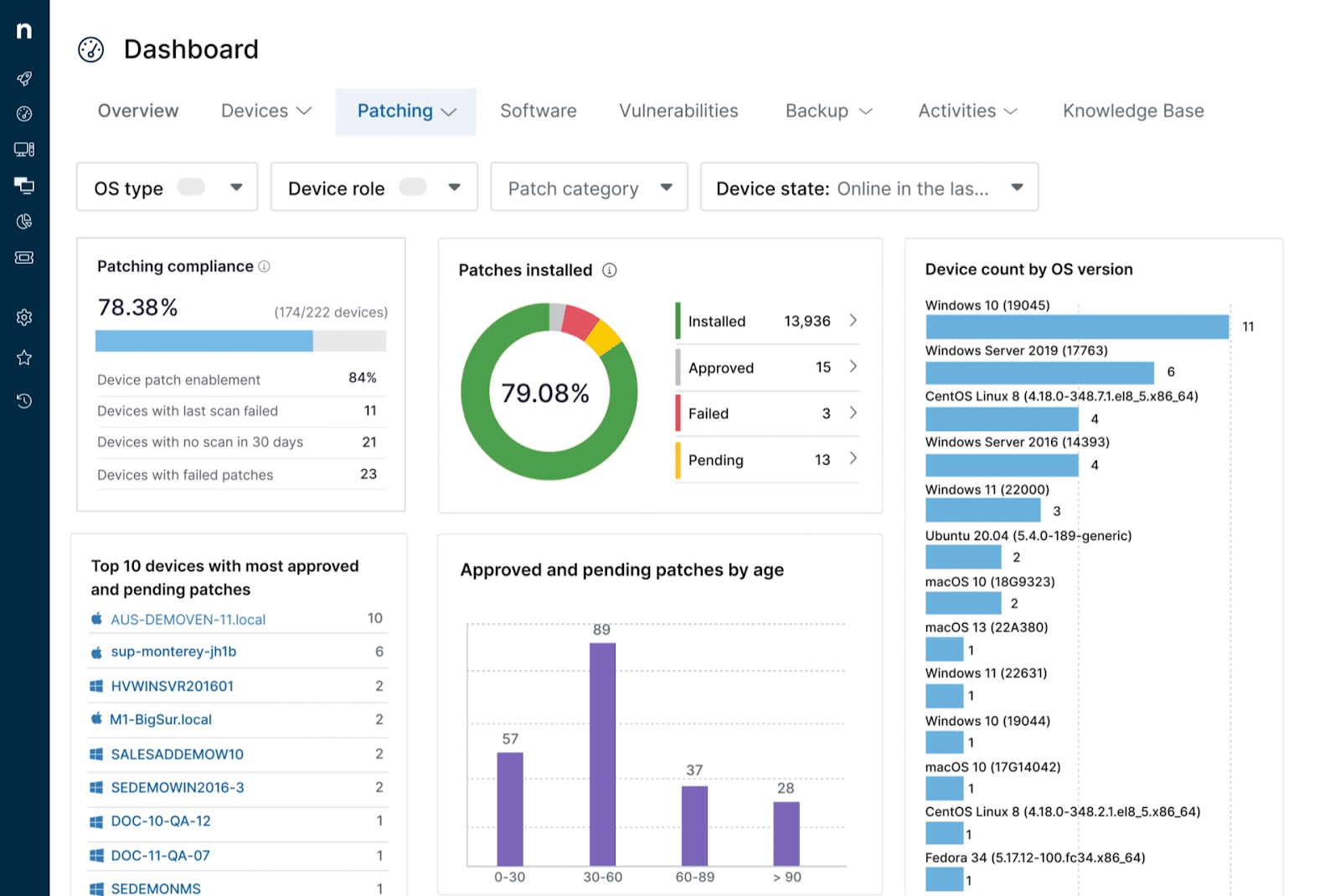
Source: NinjaOne
NinjaOne’s RMM tool allows MSPs to monitor client networks, manage patches, and policies, recover from ransomware, manage endpoints, and automate routine IT tasks. The platform also integrates with popular PSA and security tools and provides real-time data and alerts to help MSPs anticipate and address IT issues.
Pros:
Cons:
Pricing is device-based. It starts at $1.50 per month at 10,000 endpoints and can increase to $3.75 at 50 or fewer endpoints. However, pricing varies and depends on the MSP the solution is bought through.
Atera offers an all-in-one MSP platform, combining AI agents with remote monitoring and management (RMM), professional services automation (PSA), IT automations, IT management, and remote access. Its cloud-based, and their AI platform provides tools for device monitoring, IT automation, helpdesk, workflows, and reporting.
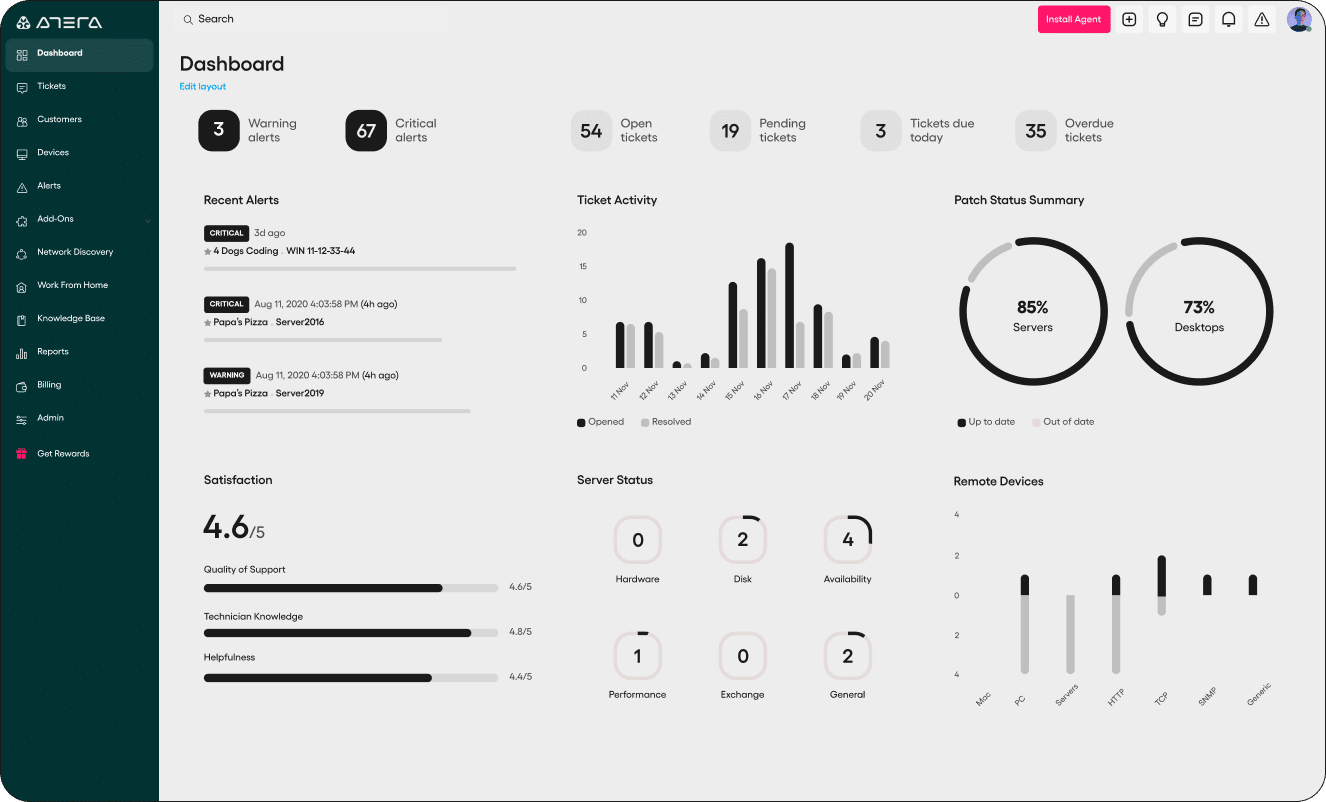
Source: Atera
Atera has an intuitive design and straightforward pricing model, which is based on the number of technicians rather than devices, offering scalability for MSPs of different sizes. The platform includes built-in AI agents that can resolve issues, map networks, resolve issues, and manage assets and patches. Additionally, Atera provides security features to enhance the cybersecurity aspect of IT management.
Pros:
Cons:

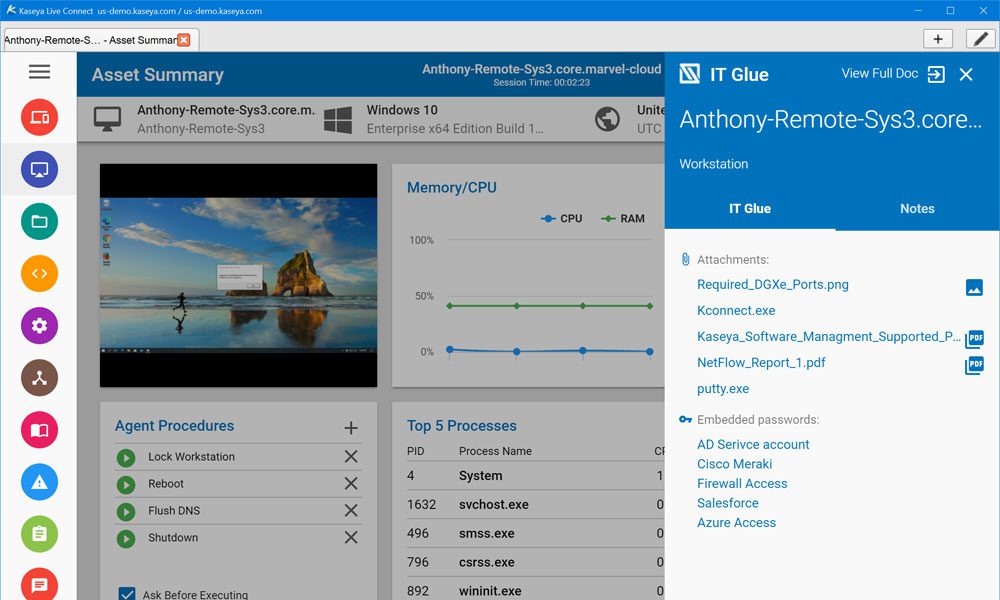
Kaseya provides IT infrastructure management solutions for MSPs and internal IT organizations. Their software enables centralized control over IT management functions. Features include BCDR, RMM, endpoint management, remote control, patch management, automation, network monitoring, IT documentation, SaaS backup, pen testing, compliance management, and user security management.
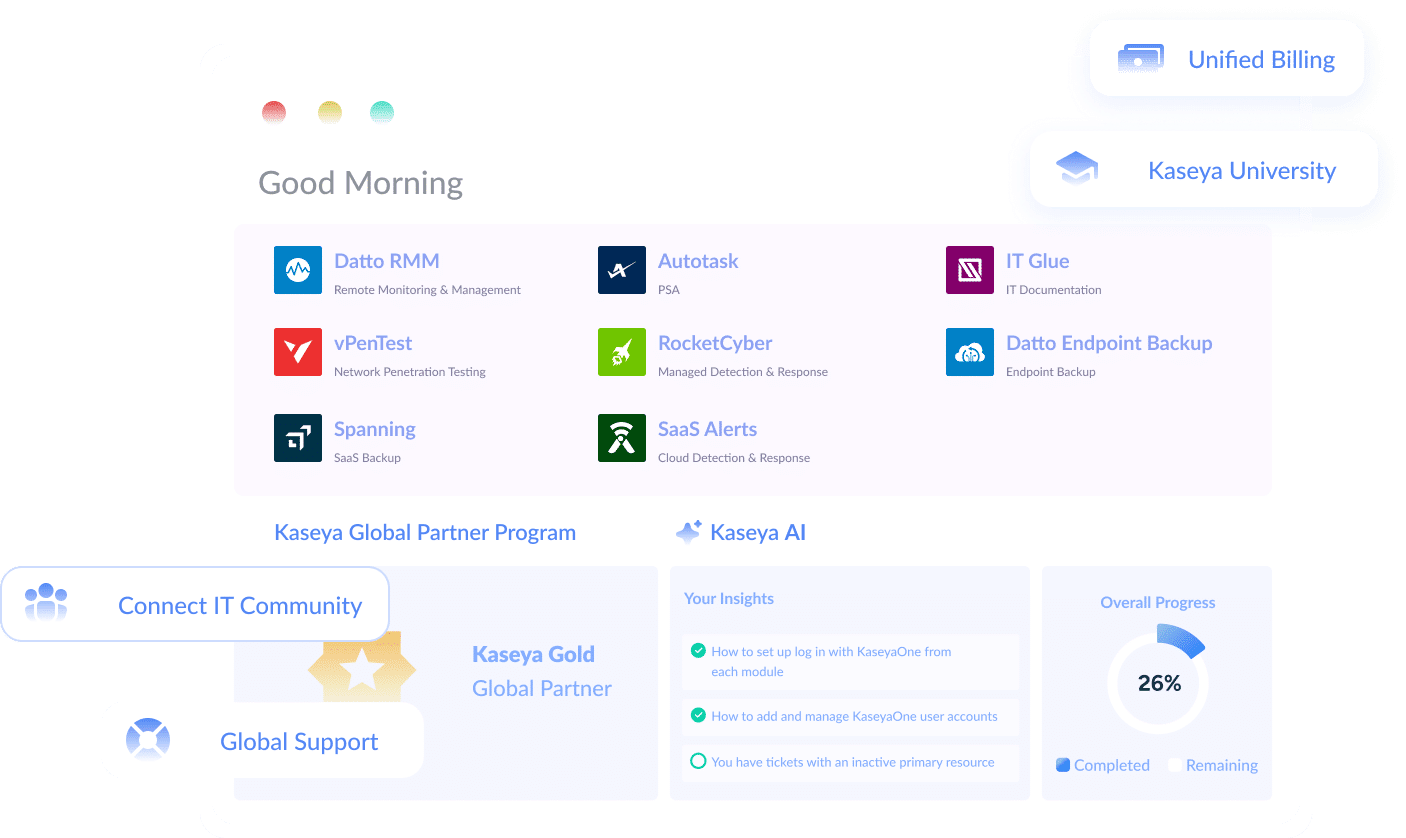
Source: Kaseya
Kaseya provides a scalable platform that can manage a vast number of devices and endpoints efficiently.
Pros:
Cons:
Kaseya is considered inexpensive compared to other tools. However, pricing isn’t transparent and can be requested by contacting the vendor.
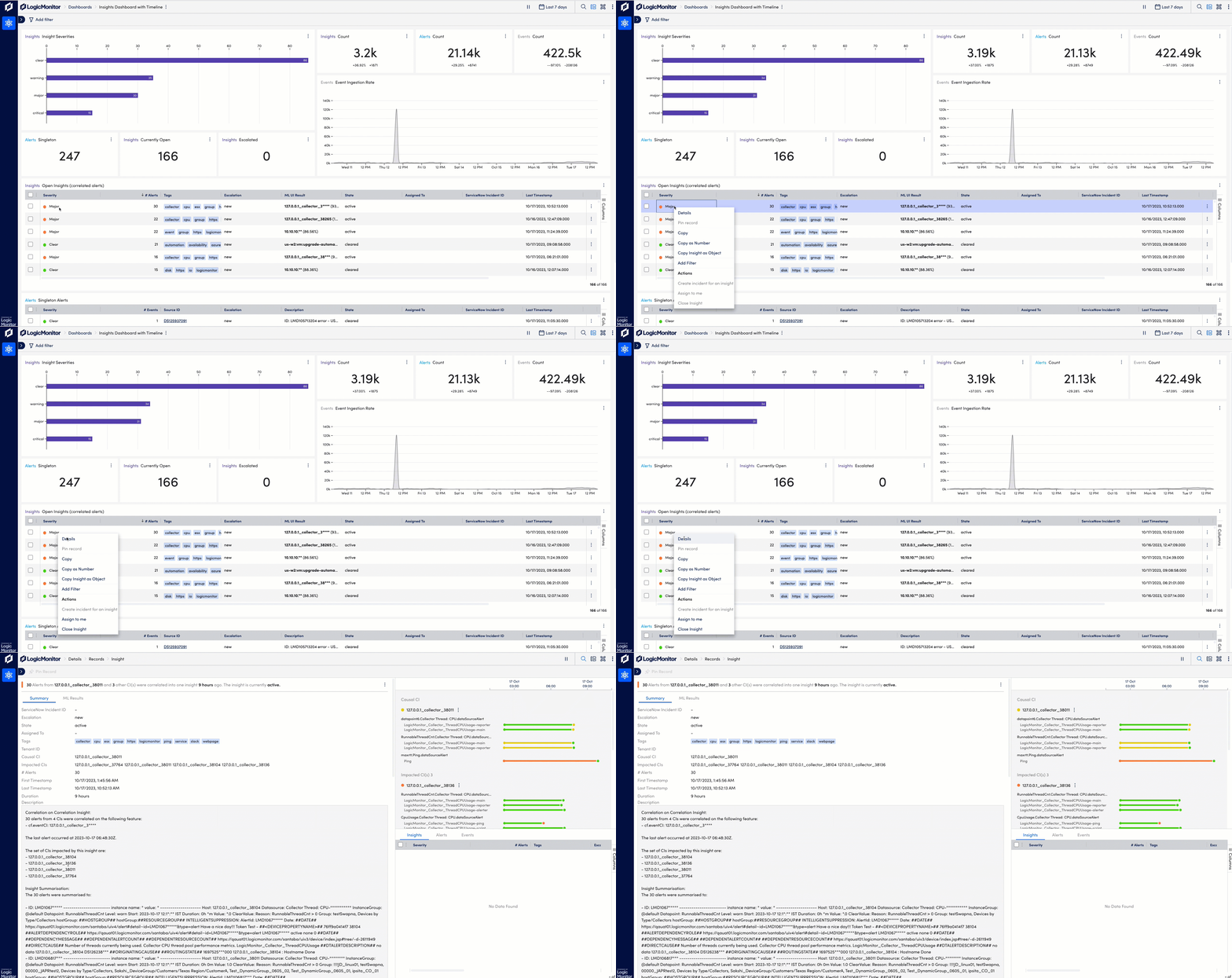
LogicMonitor specializes in infrastructure, cloud, SaaS apps, and log monitoring solutions. They also have an AI agent to support ITOps. Their platform is designed for enterprise IT departments, focusing on the comprehensive monitoring of networks, servers, cloud environments, and applications. LogicMonitor offers extensive visibility across the IT environment, supported by multiple integrations, context enrichment with AI, anomaly detection, root cause analysis, forecasting, and customizable dashboards.
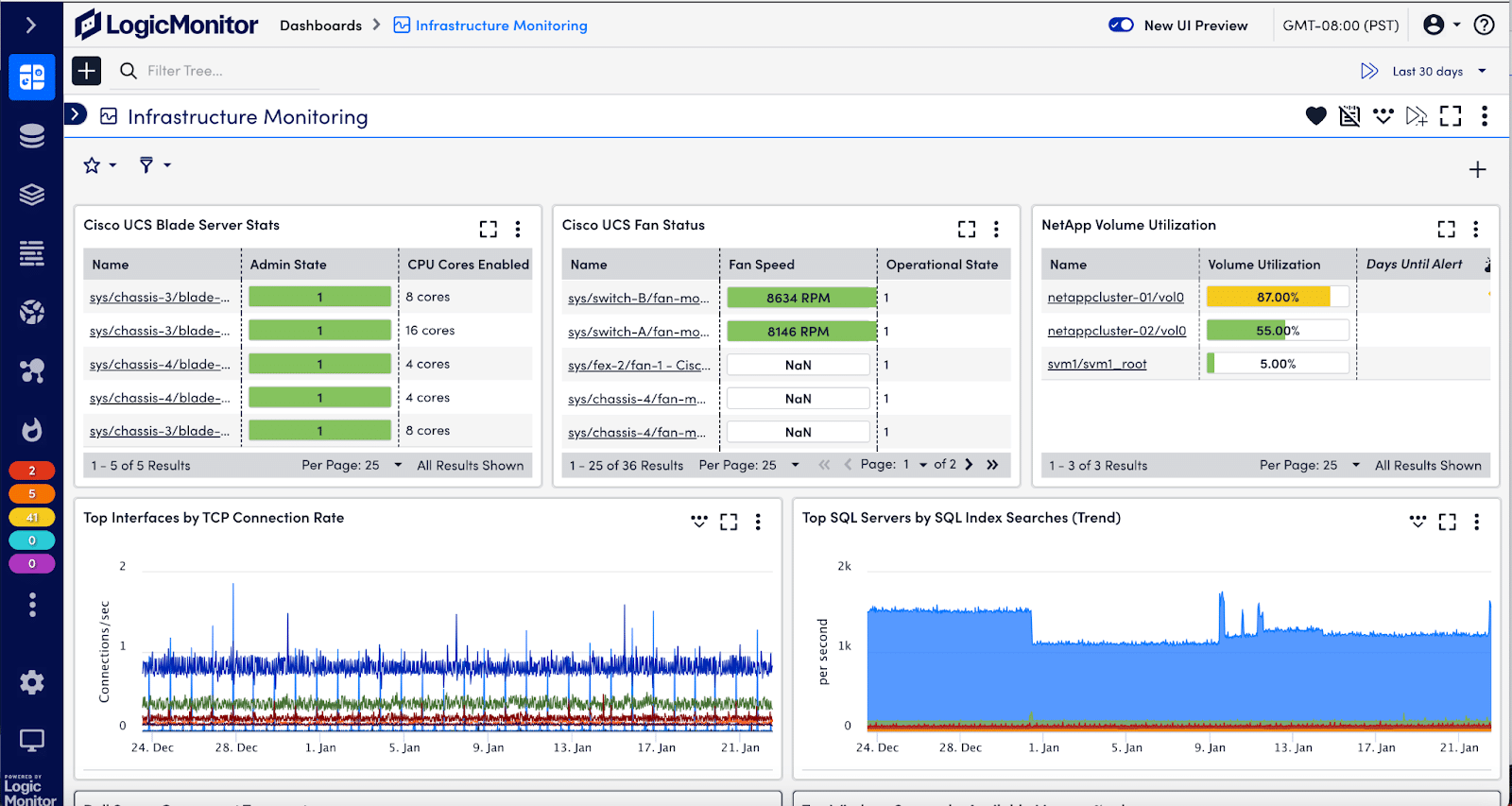
Source: LogicMonitor
Pros:
Cons:
Pricing is offered in layers per the service type:
In conclusion, the landscape of Managed Service Provider (MSP) software is diverse, offering solutions that cater to various aspects of IT infrastructure management and cybersecurity. From remote monitoring and management to comprehensive incident response and advanced ransomware protection, these software tools are essential for MSPs aiming to provide top-notch services to their clients.
By leveraging these tools, MSPs can enhance their operational efficiency, strengthen their cybersecurity posture, and deliver high-quality, reliable IT services that align with the evolving needs of their clients. The continuous advancement in MSP software technologies signifies a commitment to innovation and excellence in managing and securing IT environments, ensuring that service providers can keep pace with the rapidly changing digital landscape.
As an MSP, you know that choosing a vendor isn’t a question of features, but of business alignment. Your chosen software should fit your business size, budget, and client profile.
Criteria for Selecting Managed Service Provider Software
RMM (Remote Monitoring and Management) tools are a core component of many MSP platforms. RMM focuses specifically on monitoring endpoints, networks, and systems, enabling MSPs to perform tasks like patching, remote access, and performance tracking. MSP software includes RMM capabilities plus features like ticketing, billing, client reporting, security integration, automation, and more.
Real-time monitoring, automated workflows, integrated ticketing systems, strong security capabilities (like EDR and SIEM integrations), detailed reporting, and seamless third-party app integrations. Bonus features like AI-driven alert prioritization, contract/billing automation, and client self-service portals can improve efficiency and service quality.
MSP management software is used to run the day-to-day operations of managed service providers. It acts as a centralized hub to monitor client systems, manage tickets, automate IT tasks, secure infrastructure, generate reports, and even handle billing and customer relationship management.
Many platforms include built-in templates or frameworks aligned with standards like HIPAA, GDPR, SOC 2, and PCI-DSS. They can automatically log system activity, monitor for policy violations, generate audit-ready reports, and even enforce configurations to meet compliance rules. Some tools also offer documentation management, risk scoring, and alerting when clients drift out of compliance.
The most common issues include steep learning curves, integration difficulties, alert fatigue, and inconsistent user experiences across modules. Additionally, as MSPs scale, managing complex multi-tenant environments while maintaining performance and customization becomes harder. Some tools can be overly rigid or not customizable enough, forcing MSPs to either adopt workarounds or invest in expensive add-ons.
AI can streamline workflows, detect anomalies, prioritize alerts, suggest automated remediations, and even generate knowledge base articles or scripts to handle repeat issues. Natural language interfaces can simplify ticket triage and reporting, and AI-powered analytics can surface client trends or hidden vulnerabilities.
MSP software pricing varies widely but typically follows a per-device, per-resource, or per-technician model. Many vendors offer tiered pricing based on features, with additional costs for advanced modules like security, AI, or automation.


Search results for: